Published on:
Last updated on:
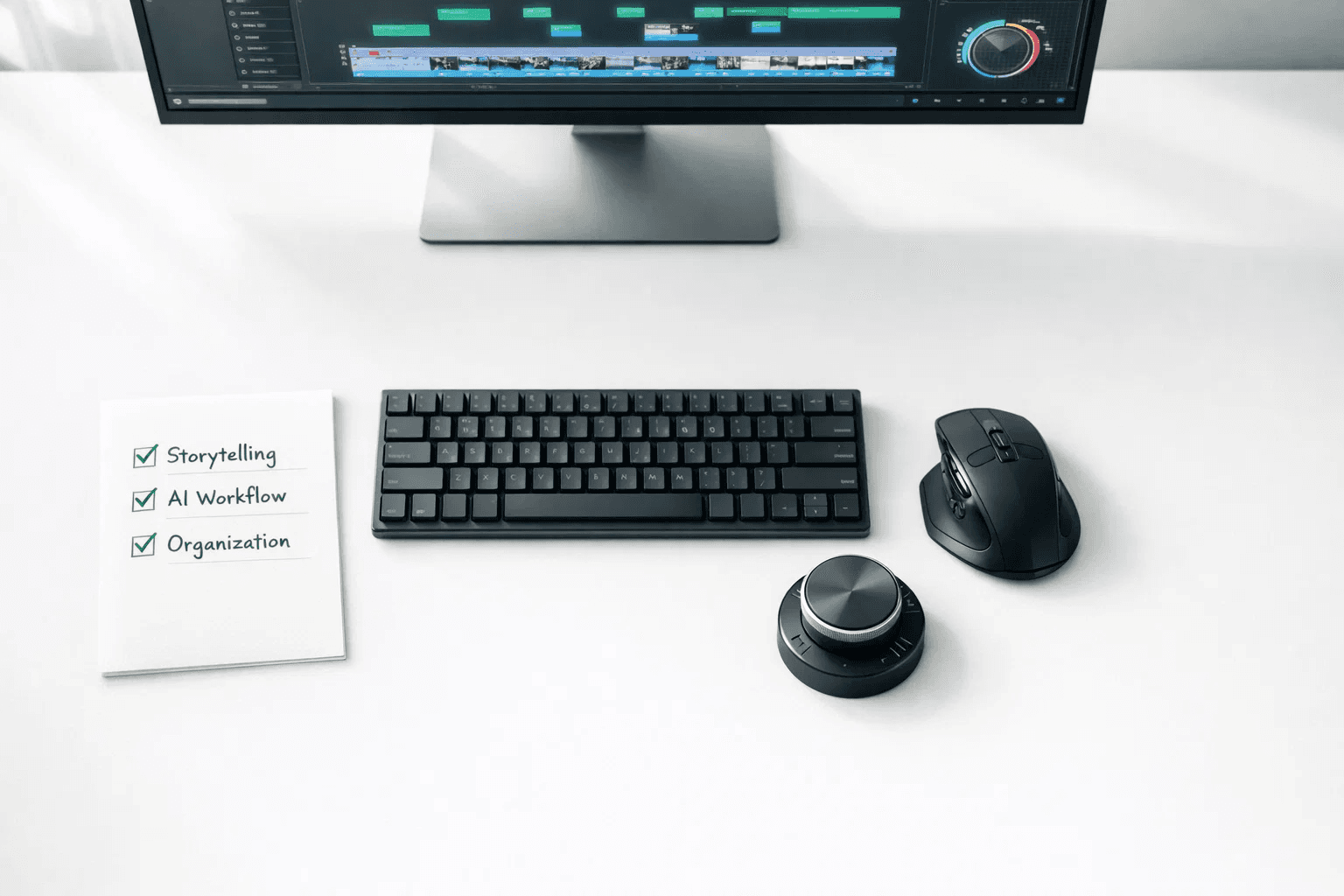
The short answer: To get hired in 2026, you need to be more than just someone who "cuts clips." You need to be a storyteller who knows how to keep people watching. Focus on mastering "invisible" editing, using AI tools to work faster, and being the most organized person in the room.
1. Focus on the "Feel" (Storytelling)
In 2026, anyone can use AI to make a basic edit. What clients really want is someone who understands human emotion. They need you to know when a pause should be longer for a joke to land, or when the music should swell to make someone feel inspired.
Learn "Invisible" Editing: This means making cuts so smooth the viewer doesn't even notice them.
The "Why" over the "How": Don’t just cut because the person stopped talking. Cut because it moves the story forward.
Keep them Watching: In 2026, "Retention" is king. Your job is to make sure people don't scroll away.
2. Use AI to Do the Boring Stuff
Don't be afraid of AI. Use it like a fast assistant! It won't replace your creativity, but it will save you hours of manual work.
Tools to try in 2026:
Adobe Premiere Pro ($22.99/mo): Great for text-based editing (editing by deleting words in a transcript).
DaVinci Resolve (Free or $295): The best for color grading and making your footage look "expensive."
Topaz Video AI ($299): Perfect for fixing blurry or low-quality footage.
Descript ($12/mo): Amazing for quickly cleaning up "ums" and "ahs" in audio.
Here are the best AI tools you need to know as a video editor
3. Be a "One-Stop-Shop"
Freelance editors who can do a little bit of everything get paid the most. You don't have to be an expert at everything, but knowing the basics helps a lot.
Audio is 50% of Video: Learn how to remove background noise and balance volume levels.
Simple Motion Graphics: Learn how to make clean text pop up on the screen (Kinetic Typography).
The "Vertical" Flip: Be ready to turn one long YouTube video into 5 short TikToks or Reels. Clients love getting more "content" for their money.
4. Reliability is Your Secret Weapon
Reddit is full of stories from clients who hired "talented" editors who then disappeared or missed deadlines. If you are reliable, you are already ahead of 90% of the competition.
Keep it Organized: Name your files clearly (e.g.,
ProjectName_Draft_V1).Ask Questions: If a client says "make it pop," ask them to show you a video they like. Don't guess!
Meet Your Deadlines: Turning work in 1 hour early is better than 1 minute late.
Skill Category | Old Requirement (2020-2024) | New Requirement (2026) |
Software | "I know Premiere Pro." | "I use the best tool for the job (Resolve/Premiere) + AI plugins." |
Editing Style | Fast cuts, loud effects, "retention editing." | Pacing for emotion, authenticity, "invisible" editing. |
Scope | Just cutting video. | Cutting, basic color, basic sound, and motion graphics. |
AI Usage | Ignoring it or fearing it. | Using it for transcription, masking, and b-roll generation. |
How Cutjamm Helps You Show Off Your Talent
Once you have these skills, you need a professional portfolio website to show them to the world. That’s where Cutjamm comes in. It’s built specifically for video editors to help them get hired faster.
Show the "Why": On Cutjamm, you don't just post a video; you can explain the story behind it. Tell clients how you solved a problem or what your creative goal was.
Professional Feedback: Instead of messy emails, Cutjamm has a tool where clients can click on a specific second of your video and leave a comment. It makes you look like a total pro.
All Your Formats in One Place: Whether it’s a 4K cinematic film or a 9:16 vertical Reel, Cutjamm displays them all perfectly without ruining the quality.
Get Discovered: Cutjamm has a public feed where clients go to find top talent. It's like a specialized search engine for video editors.
FAQ: Quick Answers for Freelancers
Q: Do I need a fancy computer to start?
A: Not necessarily. As long as your computer can run proxies (low-resolution versions of your footage), you can edit almost anything.
Q: Which software is best to learn first?
A: CapCut Desktop is great for beginners, but if you want high-paying professional gigs, start learning Adobe Premiere Pro or DaVinci Resolve.
Q: How much should I charge in 2026?
A: Most beginner freelancers start between $25–$45 per hour. As you get better and build a solid Cutjamm portfolio, you can easily move into the $60–$100+ range. You can check the standard editing rates here.
Q: Is video editing still a good career with all this AI?
A: Yes! AI makes the work easier, but it doesn't have taste. Clients will always pay for an editor with good taste and a human perspective.